拓冰网站定制
一,代码
controller:
//得到用户信息
func (ic *MediaController) User(c *gin.Context) {if c.Request.Header.Get("X-Requested-With") == "XMLHttpRequest" {c.JSON(http.StatusOK, gin.H{"name": "王富贵",})} else {c.HTML(200, "user.html", gin.H{"Title": "Gin 模板示例","Message": "姓名:王富贵",})}}
user.html
<!DOCTYPE html>
<html lang="en">
<head><meta charset="UTF-8"><meta name="viewport" content="width=device-width, initial-scale=1.0"><title>{{ .Title }}</title><link rel="stylesheet" href="/static/css/global.css"></head>
<body>
<h1>{{ .Message }}</h1>
</body>
</html>
detail.html
<!DOCTYPE html>
<html lang="en">
<head><meta charset="UTF-8"><meta name="viewport" content="width=device-width, initial-scale=1.0"><title>{{ .Title }}</title><link rel="stylesheet" href="/static/css/global.css"><script src="/static/js/jquery-3.7.1.min.js"></script>
</head>
<body>
<h1>{{ .Message }}</h1>
<button onclick="getName()">获取当前用户名字</button>
<script>function getName() {var paramsData = {a:1,b:2}var url = "/media/user";$.ajax({type: 'GET',url: url,data: paramsData,dataType: 'json',success: function(data) {console.log("成功");console.log(data);if (data.hasOwnProperty('name')) {alert('name:'+data.name)} else {alert('数据获取失败')}},error: function(jqXHR, textStatus, errorThrown) {console.log("失败");console.error('Error: ' + textStatus + ' - ' + errorThrown);}});}</script>
</body>
</html>
二,运行结果:
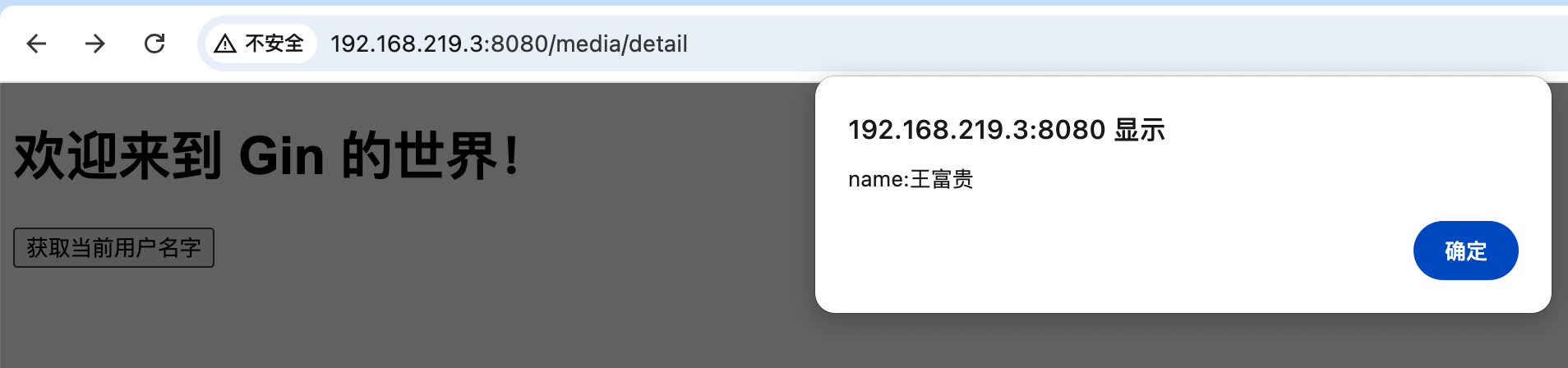
ajax请求:
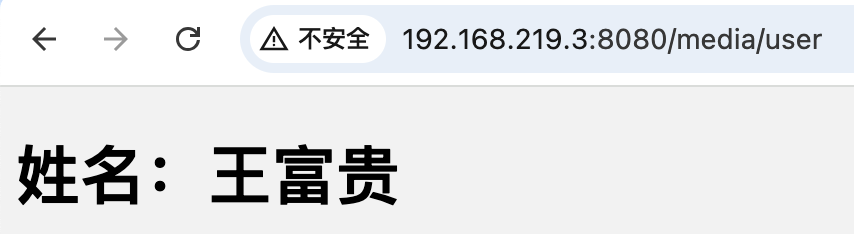
非ajax请求,直接访问