

US$368 Lonsdor K518ISE SKE-IT Smart Key Emulator 5 in 1 Set

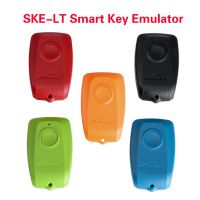
SKE-LT Introduction:
Product name: SKE-LT Smart Key Emulator
Battery standard: CR2032=3V(Please install battery)
SKE-LT Smart Key Emulator Functions:
Bind emulator key: first use, it is required to bind SKE-LT emulator to K518ISE main unit;
Backup EEPROM data: backup on board computer immodata;
Make emergency emulator key: with the backup immodata to make the designated SKE emulator key to the key that can replace the original master key. Such key can be used to turn on the ignition, then add smart key can be proceed;
Add smart key: to add a smart key.
Delete smart key: to delete a programmed key.
Lonsdor K518ISE can program Toyota/Lexus smart key all key lost via OBD by working together with extra SKE-LT Smart Key Emulator
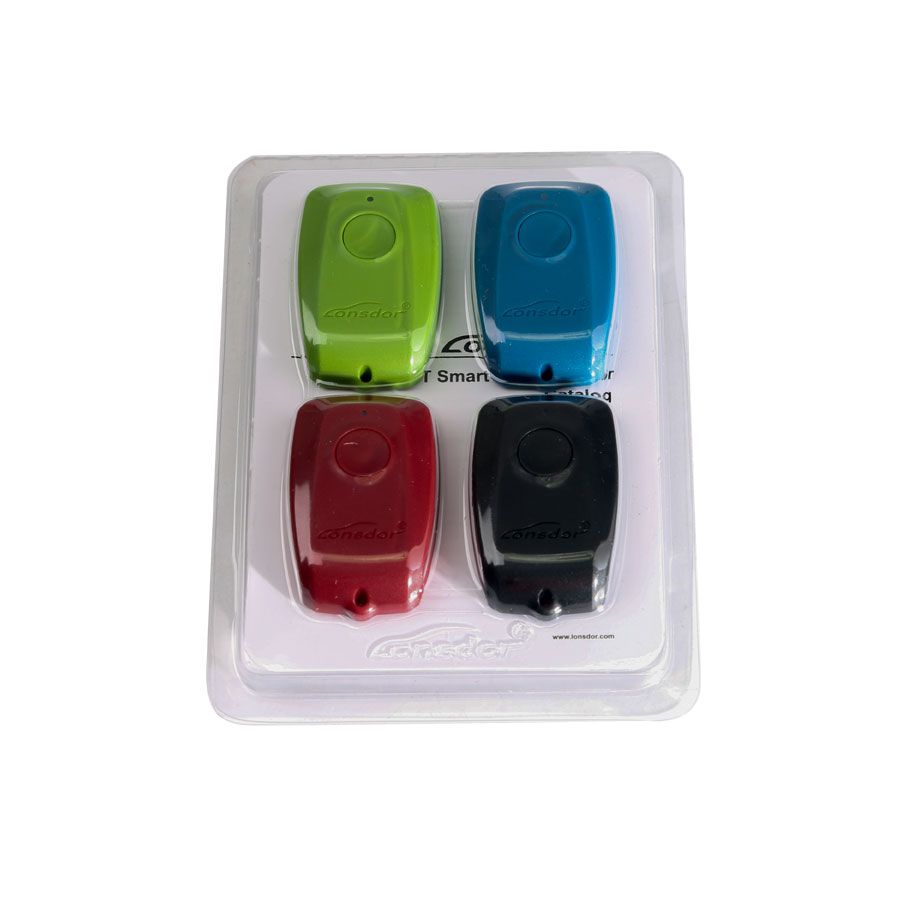
SKE-LT: Smart Key emulator - Toyota/Lexus smart key for all key lost via OBD.
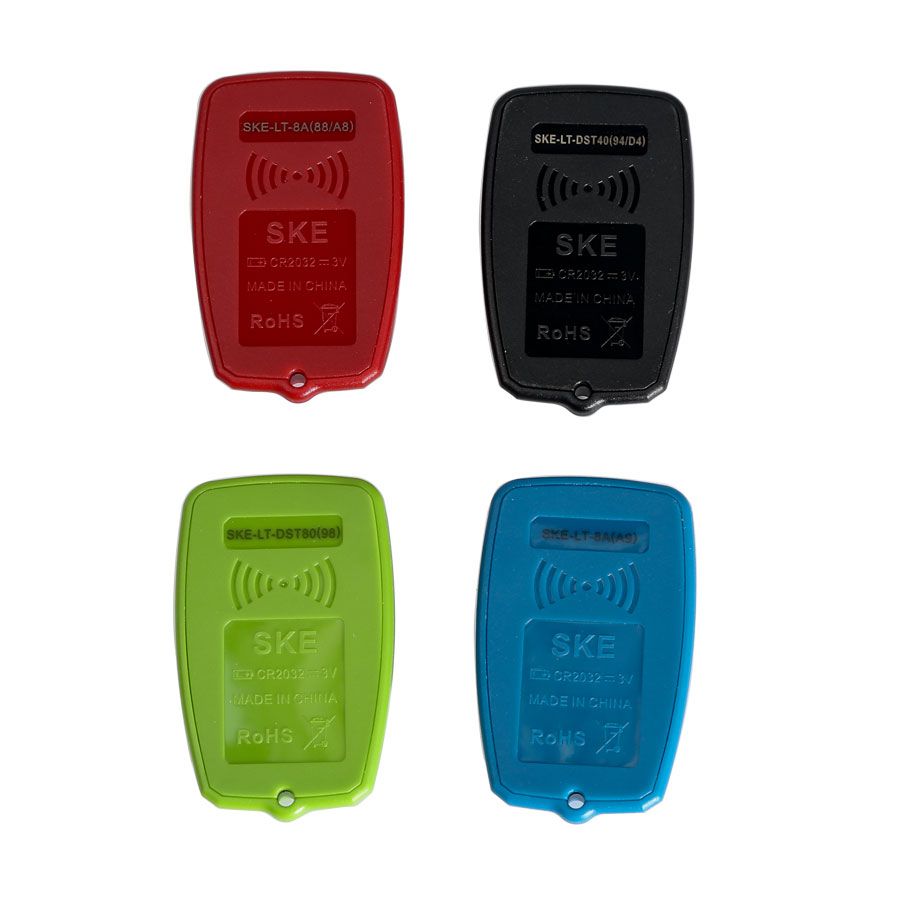
Black: SKE-LT-DST40(94/D4) -Supports 94/D4 smart key.
Red: SKE-LT-8A(88/A8)-Support 88/A8 smart key.
Green: SKE-LT-DST80(98)-Supports 98 smart key.
Blue: SKE-LT-8A(A9)-Supports A9 smart key.
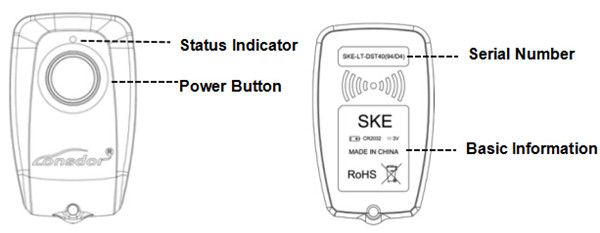
1. Press and hold the power button for 2 sec to turn on/off; In start status, when standby for 2 min, the key will automatically shut down; After switching 3 times, the key will be initialized, and can be recycled again.
2. Status indicator: Blue-normal; Red-hardware failure;
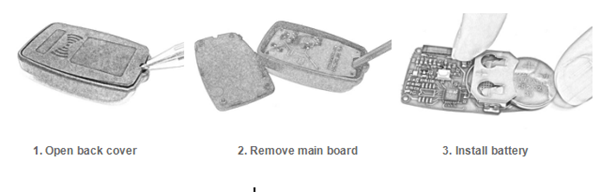
3. After receiving the product, please open the back cover of each emulator and install battery first before using it.
Steps to install battery:
How to Operate the SKE-LT Smart Key Emulator on All Key Lost Situation:
1) Binding
1. Go to the “Bind emulator key” function;
2. Turn on emulator key and put it into K518ISE key slot (put the status indicator down, make sure the key is active);
3. Following the system direction and click “OK” to start binding;
4. After binding completed, the system will indicate”Binding successful”.
2) Backup EEPROM data
Connect K518ISE with car OBD port, enter into "Backup immodata" to back up the data.
3) Make emergency emulator key
After choosing the immodata, in a network environment, the system will indicate to choose the corresponding SKE emulator key model, please start the key and put it into K518ISE key slot(make sure the key is activate), follow the instruction to make an emulator key.
4) Add smart key
Click the car start button, put the generated SKE emulator key close to the start button, with induction the car will automatically activated.
The system will read current key count, then follow the instruction to add key.
Precaution:
1.“Bind emulator key”can identify the SKE emulator key binding state;
2. SKE emulator key need to bind K518ISE host and can bind only for one time;
3. When making emulator key, make sure well net connection and to choose the corresponding SKE emulator key model correctly.
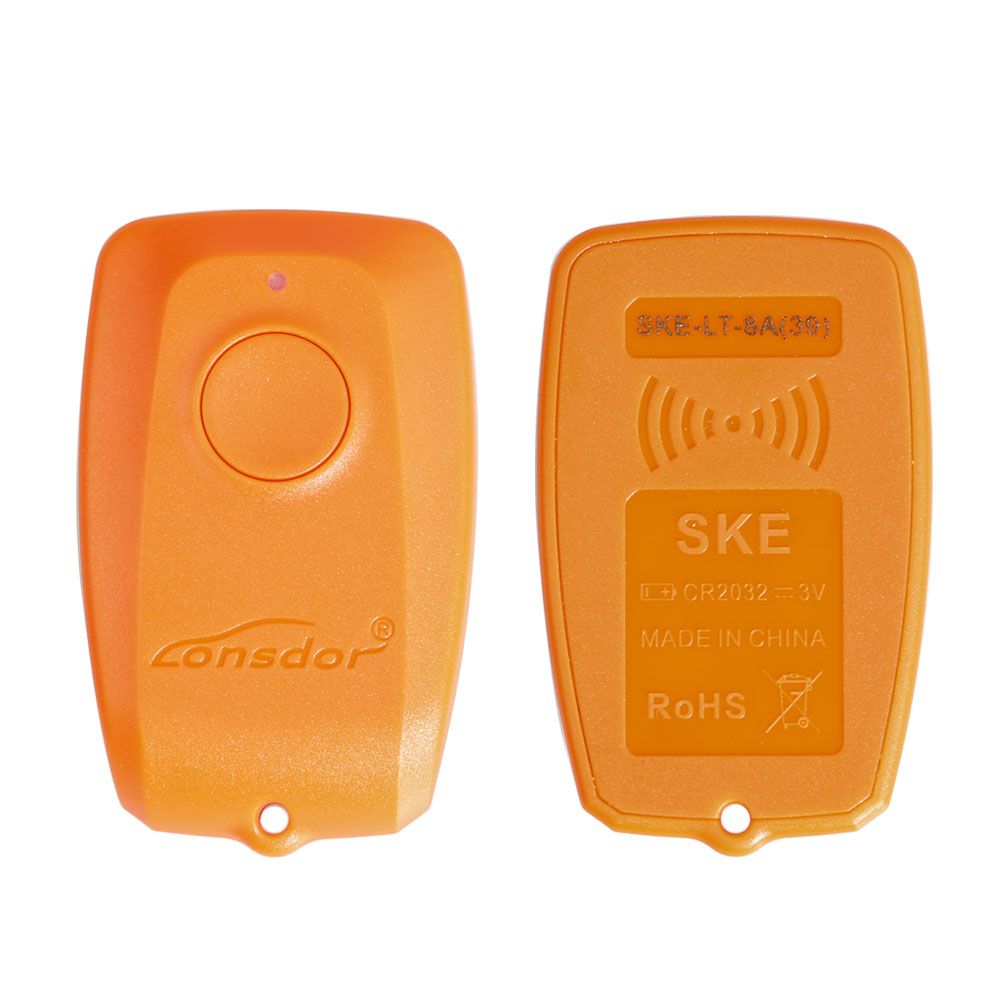
Lonsdor Orange SKE-LT-DSTAES The 5th Emulator for Toyota & Lexus Chip 39 (128bit) Smart Key All Lost via OBD
Feature:
1. All key lost Support
2. Don't need to connect internet
3. Support Offline Calculation
Orange smart key emulator for chip 39 (128bit) test car models:
Hilux...OK
Fortuner ... OK
YARIS... OK
No need connection from the server
Package Including:
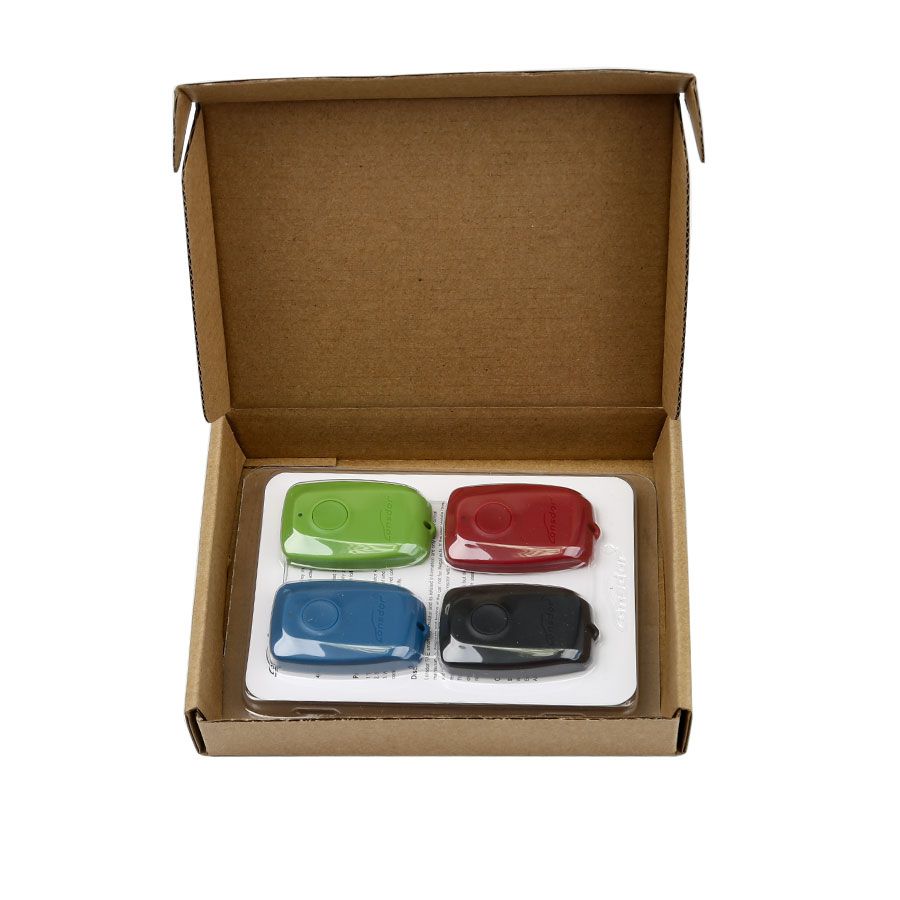
1 Set x SKE-IT Smart Key Emulator 5 in 1
Pictures of Lonsdor K518ISE SKE-IT Smart Key Emulator 5 in 1 Set
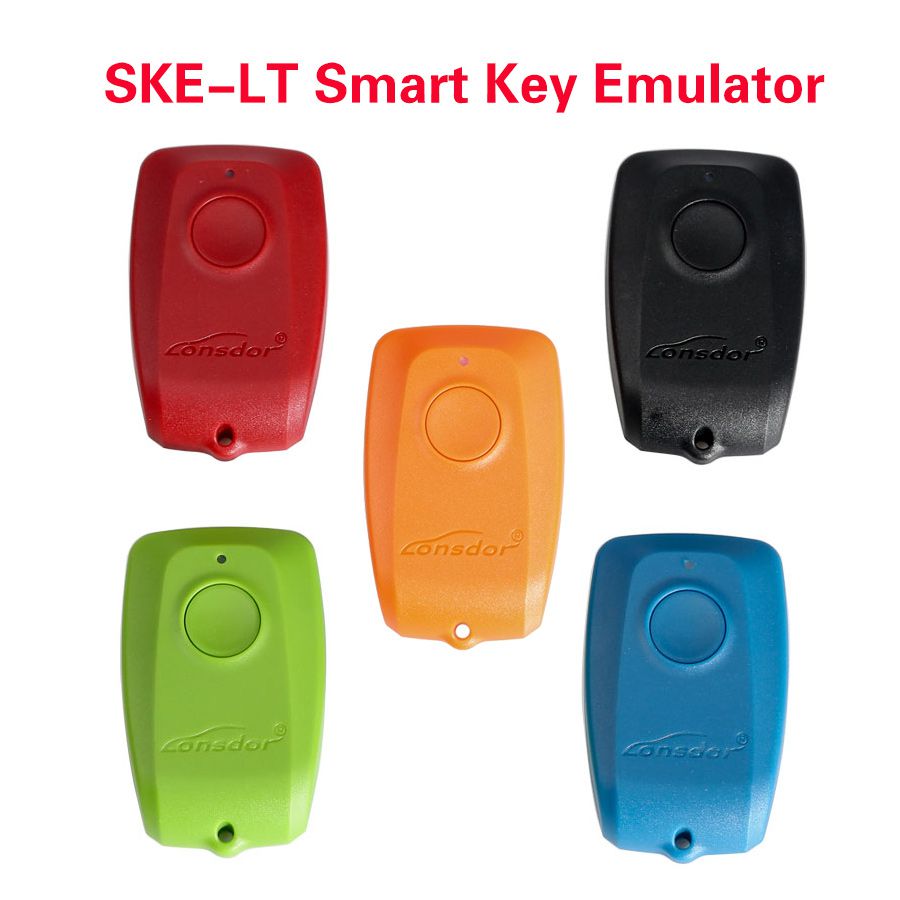


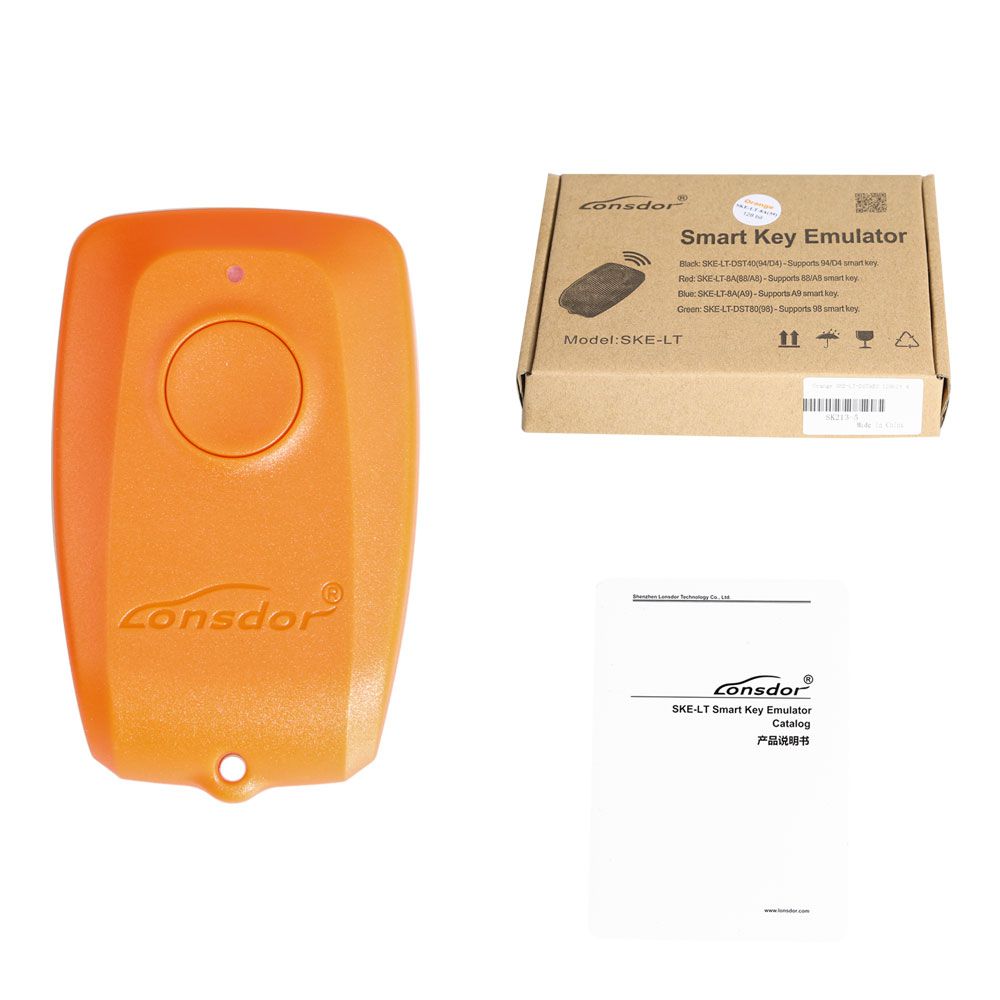
Lonsdor K518ISE SKE-IT Smart Key Emulator 5 in 1 Set, now only need US$368, this price is valid within 1 week, If you need to buy Lonsdor K518ISE SKE-IT Smart Key Emulator 5 in 1 Set, go to https://www.chinaobd2.com/wholesale/lonsdor-k518ise-ske-it-smart-key-emulator-5-in-1-set-6933.html.
相关新闻

2026/7/28 21:51:45
US$1090 VVDI2 AUDI VW 4th amp; 5th IMMO Functions Authorization Service

2026/7/29 1:53:28
提示词工程与上下文工程核心洞察总结报告

2026/7/27 11:17:00
# ️ 注册中心原理与选型指南

2026/8/2 20:52:16
Unity模组跨架构兼容:MelonLoader双后端引擎原理与实践
)
2026/8/2 20:52:16
【AI内容工业化革命】:从0到1搭建文案→视频全自动流水线(2024最新实战框架)

2026/8/2 20:52:42
安卓游戏性能优化:Arm Mobile Studio与Unity Profiler真机CPU/GPU负载分析实战

2026/8/2 20:51:10
5分钟快速上手MouseClick:免费鼠标连点器和光标美化工具终极指南

2026/8/2 20:48:16
Wireshark流量分析——2026-02-28NetSupport Manager RAT
 - GEO99)
2026/8/2 20:48:16
2026年8月深圳法式背景墙/PU线条哪家好?阿芙洛装饰设计网点资料核对(电话+地址+营业时间) - GEO99

2026/8/2 0:01:56
如何快速掌握Penpot组件系统:开源设计平台的终极指南

2026/8/2 0:11:14
Cryptomatte终极指南:免费智能遮罩工具让影视合成效率提升300%

2026/8/2 0:12:29
免费音乐格式转换:5步完成网易云NCM文件解密,Windows用户的终极解决方案
2026/8/2 0:01:56
如何快速掌握Penpot组件系统:开源设计平台的终极指南
2026/8/2 0:11:14
Cryptomatte终极指南:免费智能遮罩工具让影视合成效率提升300%
2026/8/2 0:12:29
免费音乐格式转换:5步完成网易云NCM文件解密,Windows用户的终极解决方案

2026/8/2 1:35:36
小红书图文设计终极指南:28种专业版式让你的内容告别单调

2026/8/2 1:35:38
无人机视角航拍输电线金具设备数据集4481张VOC+YOLO格式

2026/8/2 1:35:40